Earth image slide 1
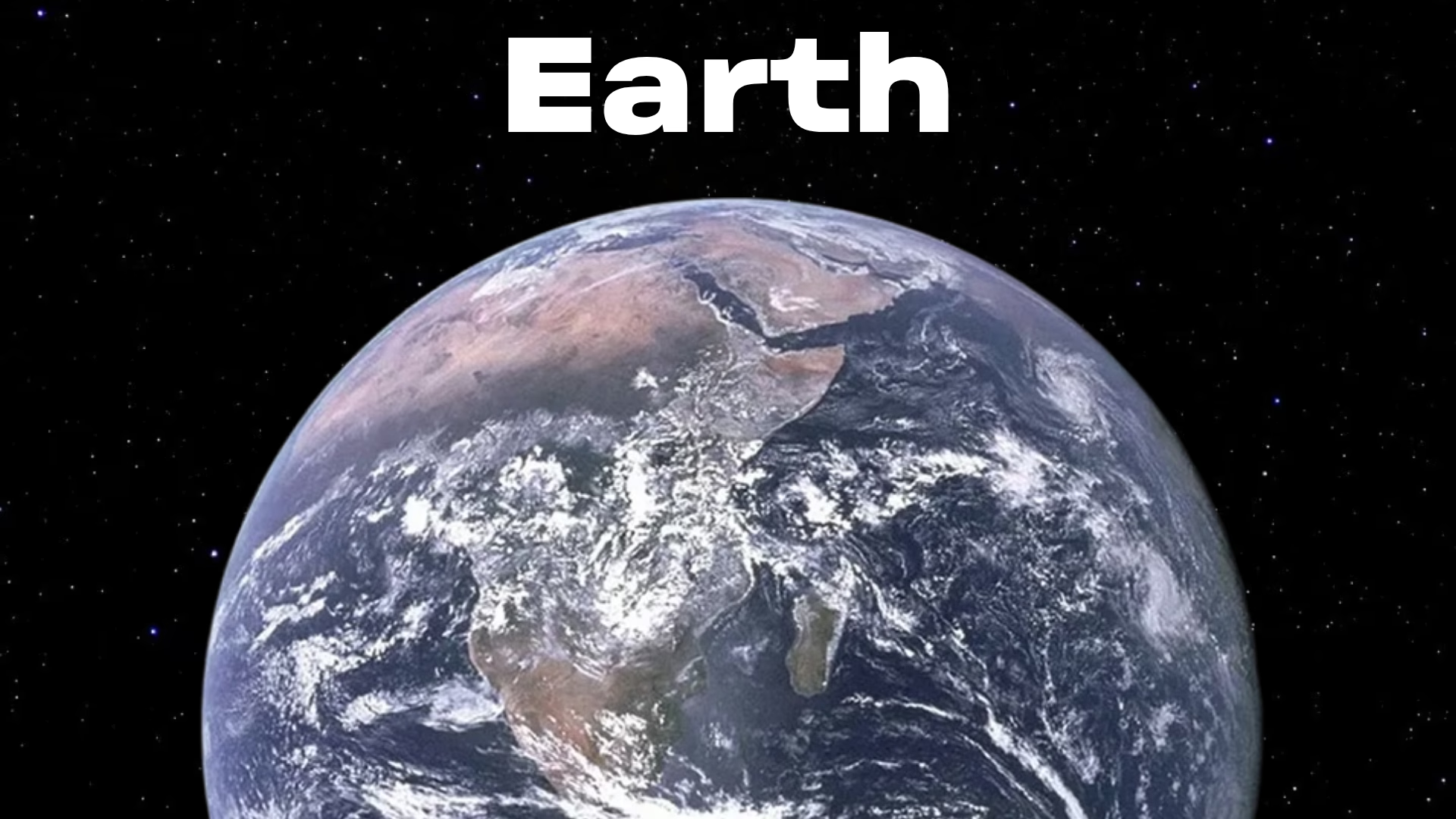
Earth image slide 1
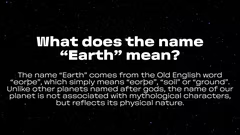
Origin of Earth name
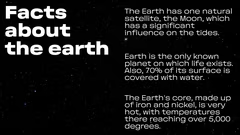
Earth key facts
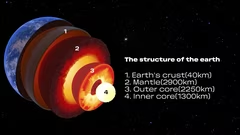
Earth structure layers
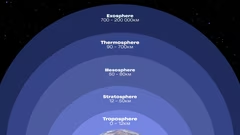
Earth atmosphere layers
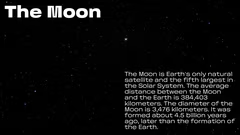
Earth Moon facts
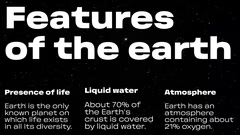
Earth life water atmosphere
Earth surface map
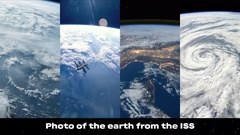
Earth photo from ISS

Earth Science Presentation

9 slides

Template for creating scientific presentations on various topics, including the study of Earth and its characteristics.
gorizont
View template

About the template

Template «Scientific article» is designed to organize and visually represent scientific information. It contains slides with text blocks, lists and images that help to clearly convey complex data. The template can be used for educational presentations, scientific reports and lectures.

Applying the template in education

The «Scientific article» template is suitable for preparing educational presentations about Earth and its characteristics. For example, teachers can use it to present material on geology, astronomy and environmental science. The structured design of the slides helps to break down complex information into logical sections. On one slide you can display the structure of the Earth with labels and measurements, on another — sequentially describe the layers of the atmosphere.
Demonstrating Earth's characteristics

The template allows you to наглядно demonstrate key characteristics of Earth: the presence of a natural satellite (the Moon), liquid water, and other features. You can create slides with data on the temperature of the Earth's core, the percentage of the planet's surface covered by water, and the composition of the atmosphere. Another option is to list the characteristics that make life on Earth possible, such as the presence of oxygen and a protective atmosphere. Maps and photos will help to visually support the information and make the presentation more interesting.

Visualizing scientific data

The template makes it easy to organize and present scientific information. For example, you can use bullet points to list key facts about Earth, such as the distance to the Moon or the depth of the Earth's layers. Charts and diagrams will help to visually represent complex data, such as the distribution of land and water on the planet's surface. When preparing materials, it is important to check the accuracy of the data and rely on reliable sources. This will increase the credibility of the presentation and its educational value.

Recommendations for using the template

When working with the template, pay attention to the clarity and brevity of the information. Avoid placing a lot of text on one slide — it's better to use short phrases and key points. Supplement the text with high-quality images and maps. Adjust the complexity of the material to the level of knowledge of the audience: for elementary school students you can prepare a presentation with basic facts about Earth, and for university students — with detailed geological and atmospheric data. Before the presentation, conduct a test run to make sure the delivery of the material is smooth and engaging.

FAQ

  • What techniques help to cope with anxiety before a presentation?

    Take deep breaths, do breathing exercises, warm up your hands, get in a positive mood, and imagine yourself as a confident speaker. Rehearsals and preparation also significantly reduce anxiety.

  • What are the most common presentation mistakes?

    Do not overload slides with text; use readable fonts and contrasting colors. Avoid overly complex charts and distracting animations. Ensure the content flows logically and the material is well-structured.

  • How to choose the right images for slides?

    Choose images that support the text and illustrate key ideas. Prefer high-quality, clear images, avoiding slides overloaded with visual elements.

  • How can I make a presentation easy to understand?

    Break information into sections, use headings, concise bullet points, and visuals. Follow a clear structure: introduction → main content → conclusions.

  • How to quickly prepare a presentation?

    Use a ready-made template and select 5–7 main slides. Focus on key facts and striking examples. Don’t aim for perfection — a clear, ready version is better than a delayed, overloaded one.