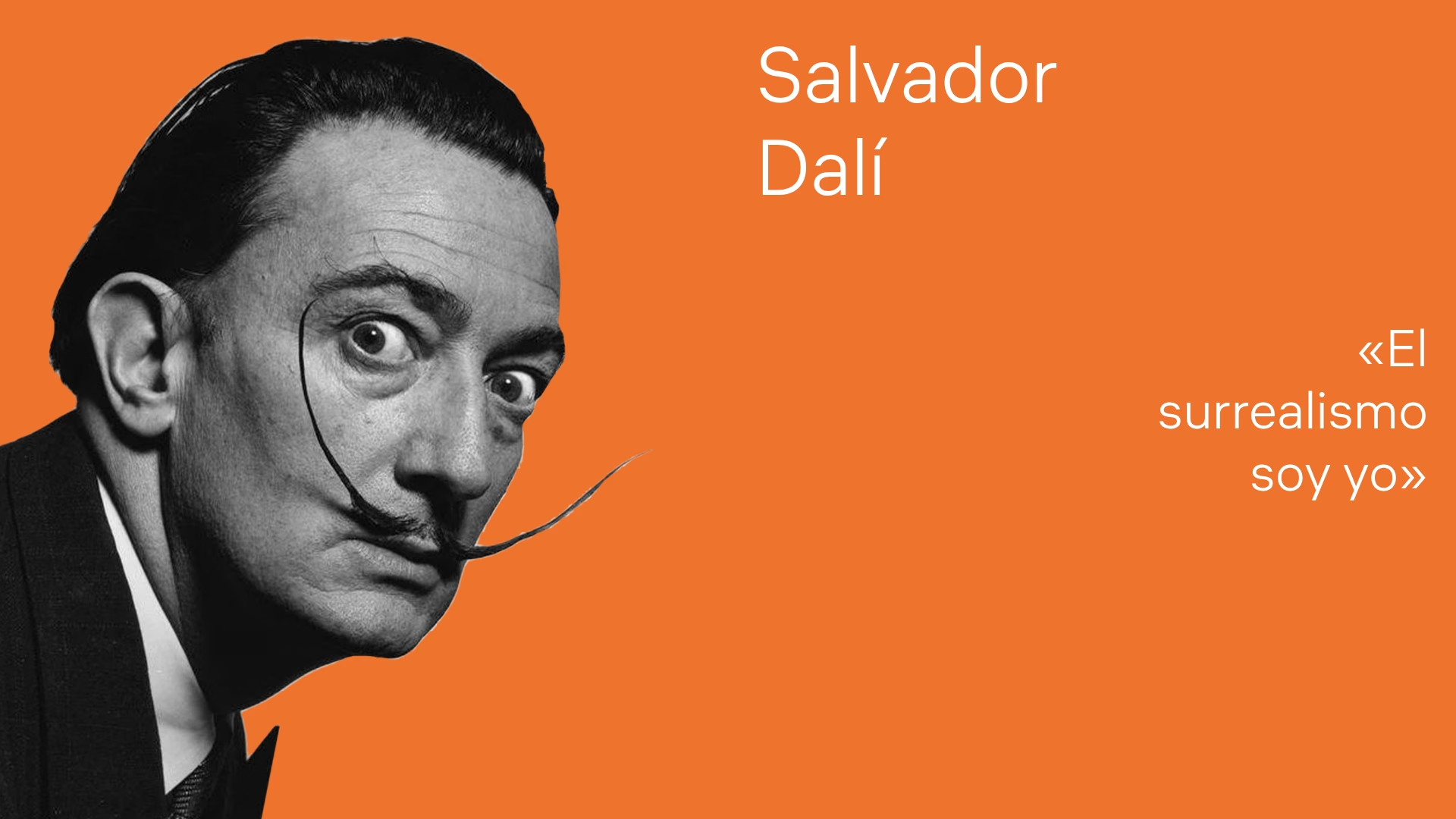






Salvador Dalí surrealismo autoridad
nacimiento Salvador Dalí Figueres 1904
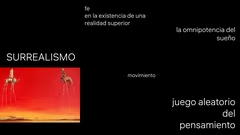
surrealismo realidad superior sueño
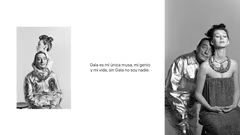
Gala musa vida Dalí
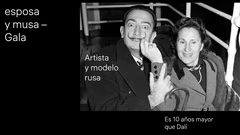
Gala esposa musa artista rusa
cita Dalí perfección alcanzar
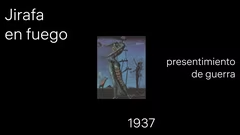
jirafa en fuego Dalí 1937
slide vacío
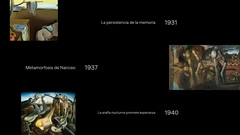
obras Dalí persistencia memoria
tumba Dalí teatro museo Figueras
diseño graníkova olya

Artist Biography Template

11 slides

Template for presentations about artists, their works, and art movements with text blocks and space for images.
hauss
View template

About the template

Template for presentations about artists, their works, and art movements. It contains text blocks and space for images, quotes, and key dates, which helps to make presentations informative and engaging.


Creating Artist Biographies with the Template

The template can be used to present information about artists and their role in the art world. You can add key dates, quotes, and descriptions of art movements. For example, in a presentation about Salvador Dalí, include his birthdate, memorable quotes, and an overview of surrealism. Adding images of his works will enhance the visual component.

Exploring Art Movements

With this template, you can explain art movements such as surrealism. Allocate each slide to a specific aspect: philosophy, key figures, or representative works. A slide might examine surrealism's concept of a superior reality and the role of dreams. Including definitions and comparisons with other movements will help to clarify the material. Famous paintings as visual aids will strengthen the presentation's impact.

Showing Art Works in Context

The template lets you highlight individual art works and their context. For instance, create a slide about 'The Persistence of Memory,' explaining its meaning, the year it was created, and its symbolic elements. You can also compare several works by the same artist to illustrate how their style evolved or which themes they revisited. This will help the audience better understand the artist's development.

Adding Personal Stories and Quotes

Make the presentation more engaging by including personal stories and the artist's quotes. For example, Dalí's relationship with Gala could be an interesting part of his biography. Quotes will give the audience insight into the artist's thinking and values. Use slides to present notable phrases and the situations in which they were said. This will make the artist seem more relatable and the presentation more memorable.

FAQ

  • What techniques help to cope with anxiety before a presentation?

    Take deep breaths, do breathing exercises, warm up your hands, get in a positive mood, and imagine yourself as a confident speaker. Rehearsals and preparation also significantly reduce anxiety.

  • How can I make a presentation more engaging?

    Use visual elements, illustrations, charts, and concise bullet points. Add examples, stories, and animations if appropriate. The key is maintaining balance between text and visuals.


  • How many slides should a presentation have?

    An optimal range is 10 to 20 slides, but it depends on the topic and presentation format. The main goal is to avoid overload and maintain a logical flow.

  • How to adapt a presentation for different audiences?

    Consider the audience’s background and interests. Adjust examples, terminology complexity, and visuals to make the content understandable and relevant.

  • How should text be formatted in a presentation?

    Use large fonts, avoid long paragraphs, and highlight key points. Ideally, keep 6–7 lines of text per slide. Ensure high contrast between the background and text.