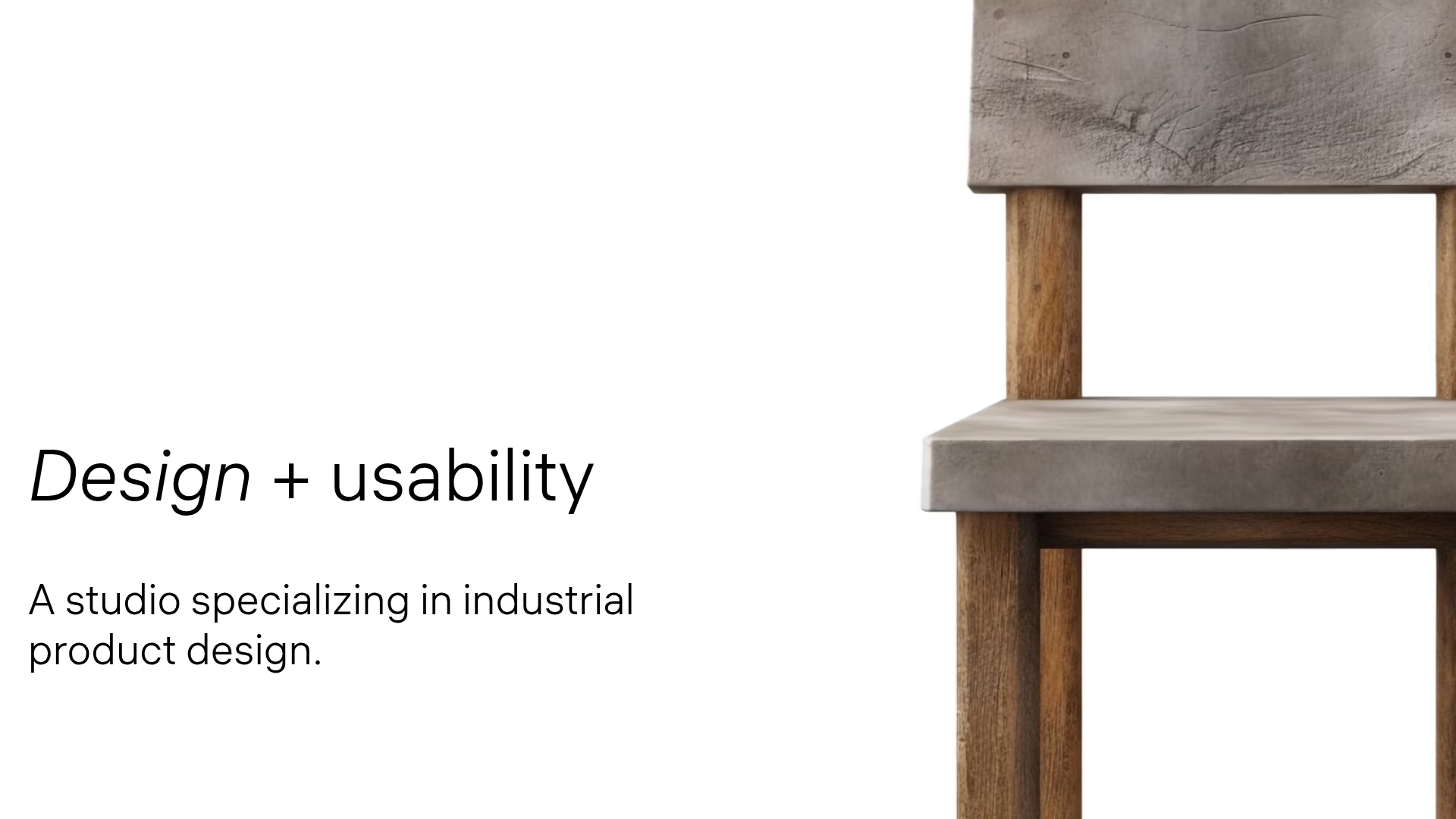
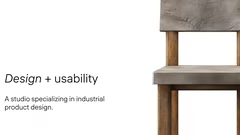





Industrial product design studio
Studio team of designers and engineers
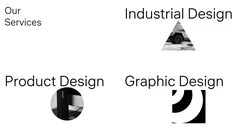
Services industrial product graphic design
Portfolio of design works
Quality speed safety design
Innovative product development approach
Studio location Samarovskoe Rostov
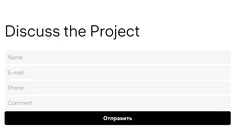
Project discussion invitation

Professional Portfolio Showcase

8 slides

Template for presenting professional services, team, projects and contacts in an organized way.

hauss
View template

About the template

Template «Portfolio» is intended for presenting professional capabilities, services and projects of companies. It includes slides for team presentation, listing services, showcasing works, highlighting advantages and leaving contact information. The template will be useful for design studios, agencies and other organizations that want to demonstrate their portfolio to potential clients.

Presenting the team

In the «Portfolio» template, start with a team presentation. Add brief bios and professional photos of key employees. For example, a design studio can highlight lead designers, engineers and project managers. This will help build trust with the audience and demonstrate the professionalism of the team.

Listing services

Create a slide with a list of services. Use bullet points to make the information easy to read. Group similar services together. For instance, a design studio can divide services into categories such as industrial design, product design and graphic design. Add short descriptions to explain each service. This will help clients quickly understand the range of your services.

Showcasing projects

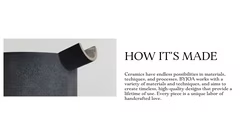
The project showcase is a key part of the portfolio. Use high-quality images to present your best projects. Organize them by category or client type. Add a brief description to each project, explaining the initial challenge and how it was solved. This will give the audience a clear idea of your skills and style. Make sure to include a variety of projects to demonstrate your versatility.

Emphasizing your advantages

Show what makes your company different from competitors. Create a slide listing your key advantages, such as high quality, fast work or reliable solutions. You can also add information about your unique approach and design philosophy. Explain how your methods contribute to increasing brand loyalty. Finish with contact information and a call to action, for example, «Discuss the project», to prompt potential clients to contact you.

FAQ

  • Why shouldn’t you just read the slide text?

    The audience quickly loses interest and engagement drops. Slides should complement the speech, not duplicate it.

  • How can I make a presentation more engaging?

    Use visual elements, illustrations, charts, and concise bullet points. Add examples, stories, and animations if appropriate. The key is maintaining balance between text and visuals.

  • What is a presentation template?

    A template is a pre-designed slide structure with layout, colors, and styling that you can customize for your needs.

  • How to adapt a presentation for different audiences?

    Consider the audience’s background and interests. Adjust examples, terminology complexity, and visuals to make the content understandable and relevant.

  • How to use colors to highlight information?

    Use contrasting colors to emphasize key points. Avoid overloading slides with bright shades and maintain a consistent design style. Colors should aid understanding, not distract.