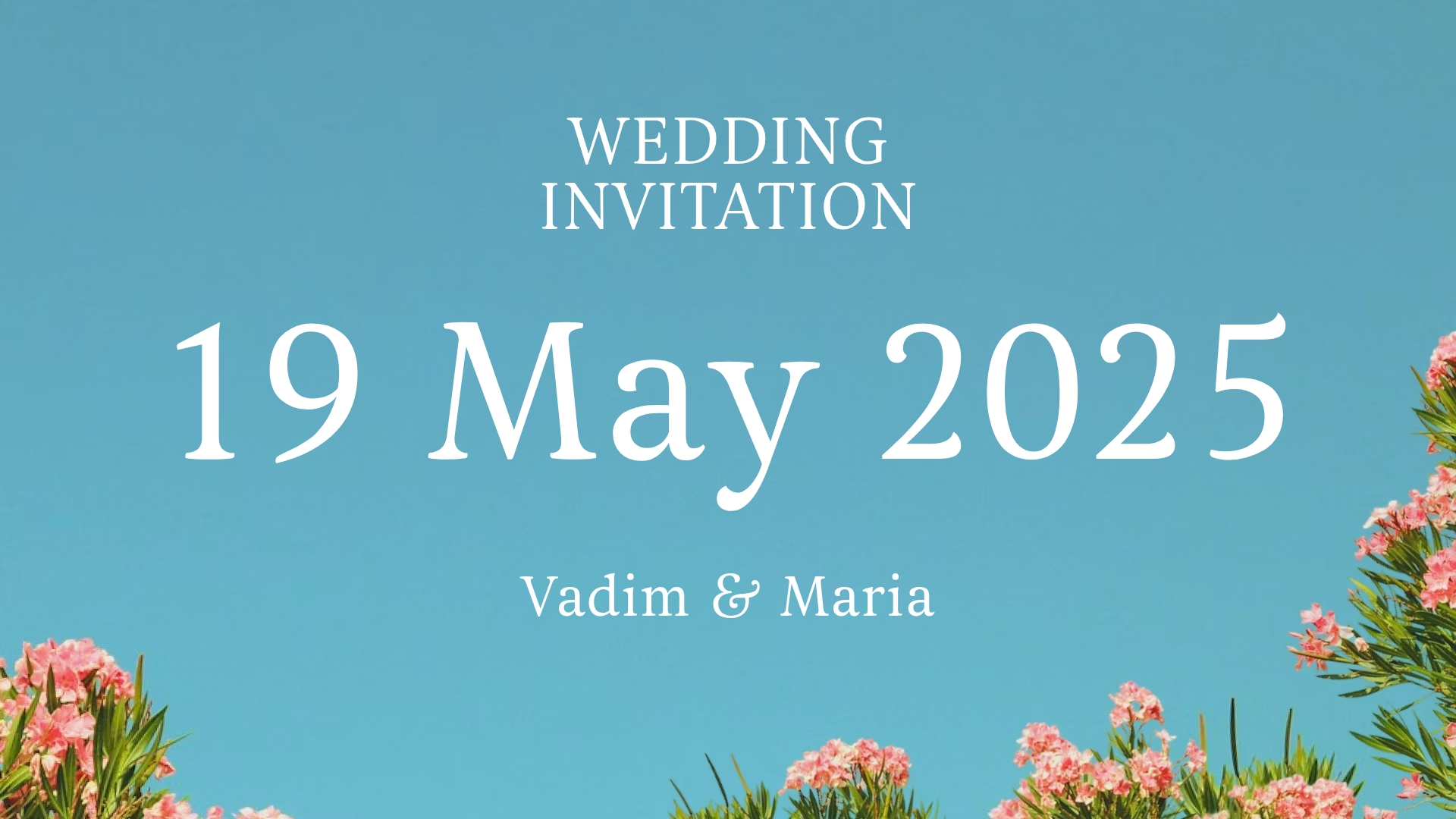
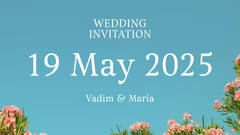


Wedding invitation Vadim Maria 19 May 2025
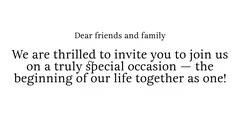
Invitation message wedding celebration
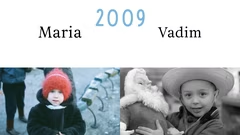
Bride Maria groom Vadim
Transition slide and now
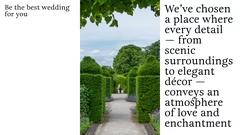
Wedding atmosphere love enchantment
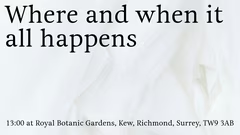
Wedding location Royal Botanic Gardens
Wedding dress code light colored clothing
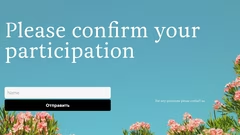
RSVP wedding contact information

Wedding invitation details

8 slides

Template for wedding invitation presentation with essential event details.

meringue
View template

About the template

The wedding presentation template is designed to help create attractive and informative wedding invitations. It allows you to present key details about the wedding in an organized way, making it easier to inform guests about the event.

Crafting a Wedding Invitation

Use the wedding presentation template to create a digital invitation that includes essential information. Start with the first slide, which should feature the wedding date and the names of the bride and groom. Subsequent slides can contain a personal message inviting guests to the celebration. This format helps make the invitation more engaging than a simple text message.

Organizing Event Information

The template enables you to present comprehensive event details in a structured way. Create a slide with the wedding location and time so guests have all the key information in one place. You can also include slides with attire recommendations and instructions on how to confirm attendance. This approach ensures guests have everything they need to plan their participation.
Adding a Personal Touch

Make the invitation feel special by personalizing the template. Add photos of the bride and groom to give the presentation a more intimate feel. Consider including a slide that showcases the wedding venue or highlights the event's theme. You can also add a message expressing the couple's excitement, helping guests feel more connected to the occasion.

Tips for Using the Template

  • Begin by entering the wedding date and the couple's names on the first slide.
  • Write messages in a warm and welcoming tone to make guests feel comfortable.
  • Make sure the wedding time and location are easy to find on the slides.
  • Include contact information for RSVPs and questions to facilitate communication.
  • Add a slide with the wedding theme or color scheme to give guests an idea of the event's style.

FAQ

  • What techniques help to cope with anxiety before a presentation?

    Take deep breaths, do breathing exercises, warm up your hands, get in a positive mood, and imagine yourself as a confident speaker. Rehearsals and preparation also significantly reduce anxiety.

  • How should a presentation be concluded?

    The conclusion of a presentation should leave the audience with a key message. Instead of a standard 'Thank you' slide, summarize the main points, provide useful information or a call to action, such as contact details or a special offer.

  • How to adapt a presentation for different audiences?

    Consider the audience’s background and interests. Adjust examples, terminology complexity, and visuals to make the content understandable and relevant.

  • How to properly structure presentation slides?

    Each slide should focus on a single main idea. Use headings, brief bullet points, and visuals to support it. Group slides logically so that information flows sequentially.

  • How to quickly prepare a presentation?

    Use a ready-made template and select 5–7 main slides. Focus on key facts and striking examples. Don’t aim for perfection — a clear, ready version is better than a delayed, overloaded one.