






Professional Portfolio Showcase

10 slides

A template for a designer's portfolio that helps showcase skills, projects and contact information.

gorizont
View template

About the template

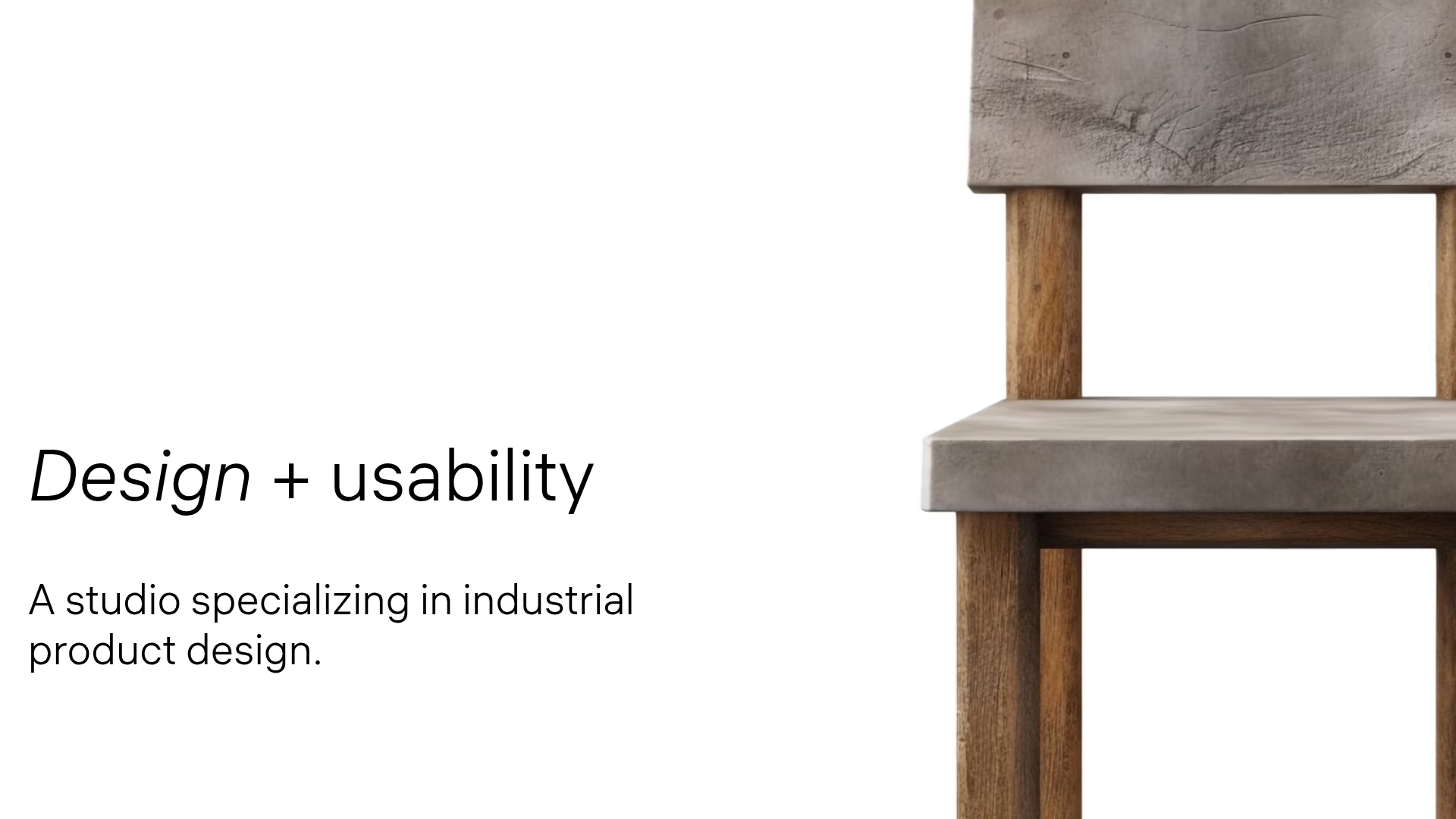
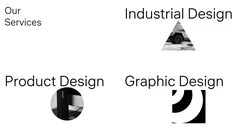
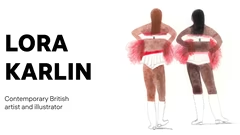
The portfolio template is intended for designers to demonstrate their professional skills and projects. It contains slides with text blocks, images and lists, which allow you to present examples of work, skills and contact information.

Presenting Professional Skills

The template allows you to highlight your professional qualifications. You can list the software you work with, for example, Figma, Sketch and After Effects. This will give potential clients an idea of your technical capabilities. Specify your main area of expertise — for instance, web design or UI/UX development. Point out skills that make you stand out in the market.

Displaying Project Examples

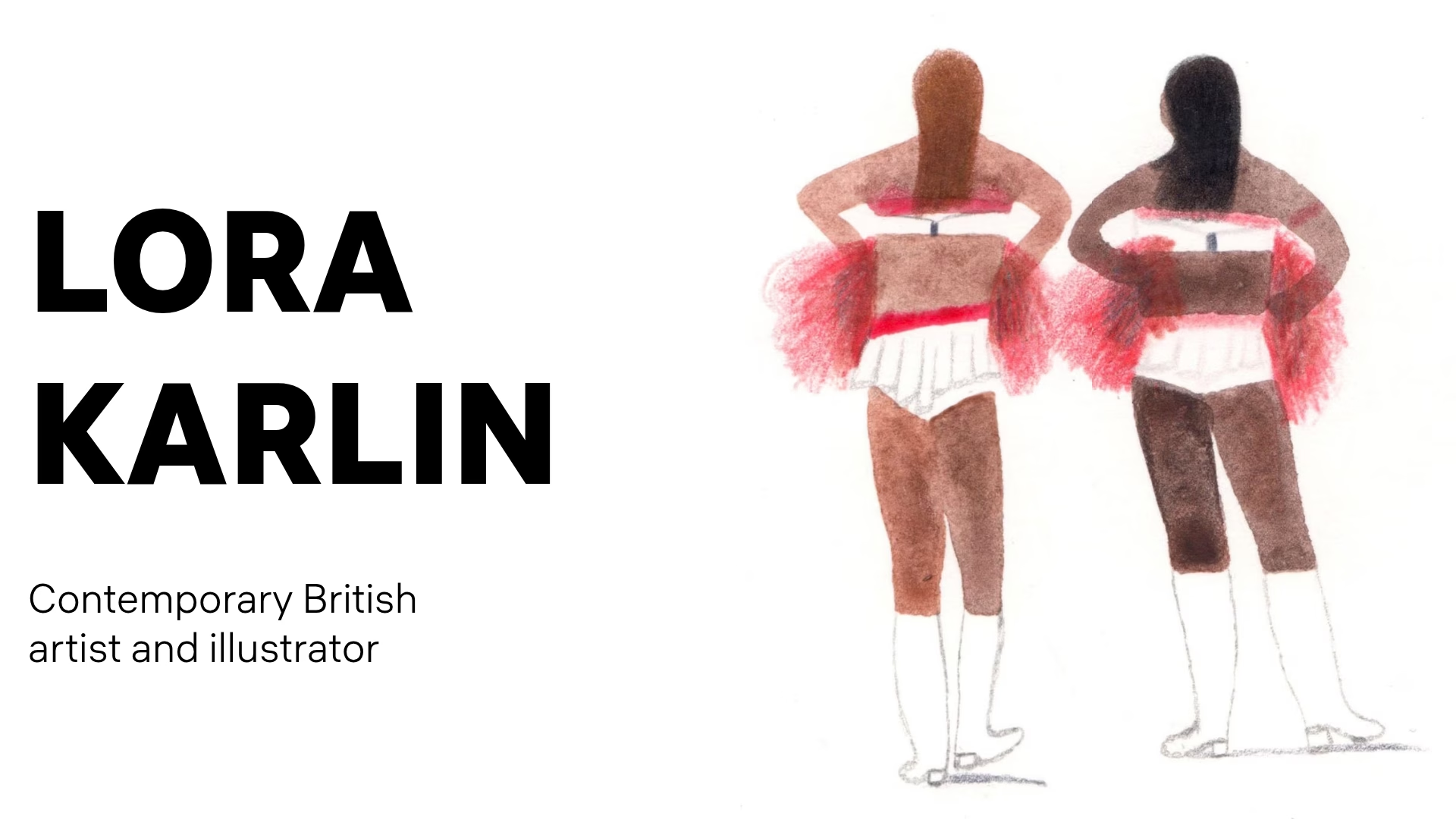
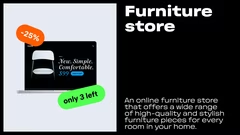
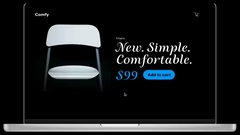
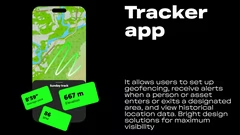
Use the slides to present your strongest projects. Add short descriptions that outline the key aspects and advantages of each project. For example, if you developed an online furniture store, highlight the variety of products and the aesthetic design. If you created a tracker app, focus on advanced features like geofencing and data analysis. Show promopages for products like sneakers to illustrate your ability to develop visually appealing materials.

Attracting Clients with Your Portfolio

A logically organized portfolio can help you win over new customers. Make sure your project descriptions are straightforward and to the point. Enhance your slides with visuals to make them more compelling. Show the outcomes your clients have achieved thanks to your work. Finish with a clear prompt that encourages potential clients to contact you.

Sharing Your Contacts

The last slide should feature all your contact details. Add links to your social media and professional network profiles. Make it simple for people to reach you. You might include a direct «Hire me» prompt to spur potential clients to act. Double-check that your contact information is current and correct.

Other ideas for your presentations
FAQ

  • What techniques help to cope with anxiety before a presentation?

    Take deep breaths, do breathing exercises, warm up your hands, get in a positive mood, and imagine yourself as a confident speaker. Rehearsals and preparation also significantly reduce anxiety.

  • What is a presentation template?

    A template is a pre-designed slide structure with layout, colors, and styling that you can customize for your needs.

  • Can I import a template into my presentation?

    Yes, most tools allow you to upload a ready-made template, apply it to existing slides, or use it as a base for a new presentation.

  • How to adapt a presentation for different audiences?

    Consider the audience’s background and interests. Adjust examples, terminology complexity, and visuals to make the content understandable and relevant.

  • How should text be formatted in a presentation?

    Use large fonts, avoid long paragraphs, and highlight key points. Ideally, keep 6–7 lines of text per slide. Ensure high contrast between the background and text.