





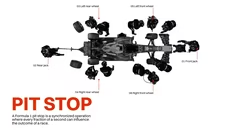

Introduction to speed concepts and analysis techniques.
Factors influencing speed in various fields.
Data visualization and metrics tracking tools.
Case studies of speed optimization in business.
Strategies for improving speed and efficiency.
Technology and innovation in speed enhancement.
Performance metrics and speed benchmarks.
Practical tips for speed optimization.
Summary of key speed improvement principles.

Anatomy of Speed Insights

9 slides

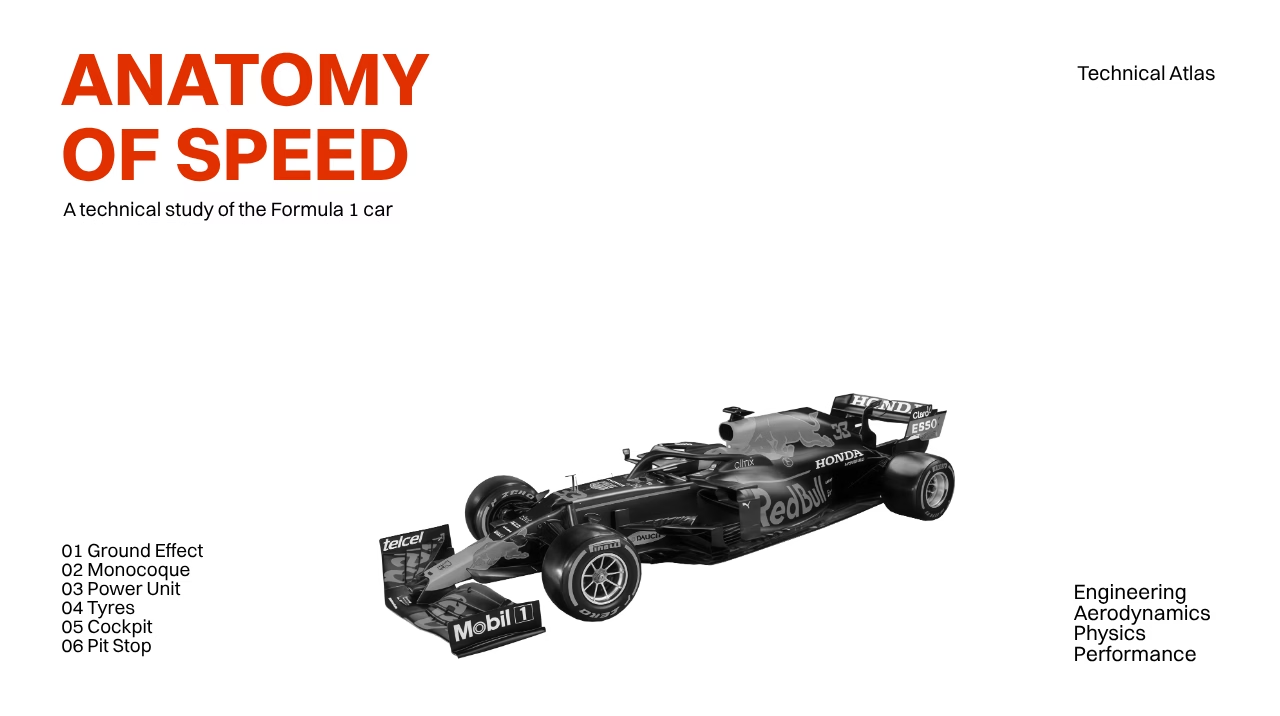
The 'Anatomy of Speed' template helps create presentations on speed, efficiency, and performance improvement.

Arina Vinnikova
r99KEUAvcHUN
View template

Tags

About the template

The 'Anatomy of Speed' template is intended for presentations on speed, efficiency, and performance optimization. It features charts, graphs, and text blocks to convey data and strategies clearly.

Using the Template in Different Fields

The 'Anatomy of Speed' template can be applied in business, sports, and technology to explain the relationship between speed and performance. In a corporate environment, it helps demonstrate the effects of process optimization on productivity. For example, you can show how streamlining workflows leads to faster results and higher efficiency.

Visualizing Performance Metrics

The template includes tools for visualizing performance data. Charts can illustrate how current metrics compare to benchmarks, and graphs can display trends over time. In a technology presentation, you might use it to show reductions in load times following software updates. Make sure each visual is paired with brief explanatory text to help the audience understand the data.

Presenting Case Studies

This template is useful for presenting case studies that highlight speed improvements. You can describe the implementation of specific strategies and their outcomes. For instance, a logistics firm could use it to illustrate how new routing algorithms reduced delivery times. Comparing metrics before and after the changes will help emphasize the improvements.

Planning for Speed Improvements

With this template, you can develop presentations that outline plans to increase speed in various industries. Whether in manufacturing or customer service, it helps map out steps to achieve faster results. You can also identify technologies and tools that support these plans. To engage the audience, include questions that encourage them to think about applying similar improvements in their own work.



FAQ

  • How many slides should a presentation have?

    An optimal range is 10 to 20 slides, but it depends on the topic and presentation format. The main goal is to avoid overload and maintain a logical flow.

  • Can I import a template into my presentation?

    Yes, most tools allow you to upload a ready-made template, apply it to existing slides, or use it as a base for a new presentation.

  • How to adapt a presentation for different audiences?

    Consider the audience’s background and interests. Adjust examples, terminology complexity, and visuals to make the content understandable and relevant.

  • What does it mean to create a presentation?

    A presentation is a way of delivering information to an audience in a clear and accessible manner, without overwhelming them with new knowledge. A good presentation should be easy to understand, and this can be achieved using various software tools.

  • What is the 5/5/5 rule for presentations?

    The 5/5/5 rule is a popular recommendation for text formatting on slides. It states: use no more than five lines of text per slide, no more than five words per line, and avoid more than five text-heavy slides in a row. This helps maintain conciseness and hold the audience's attention.