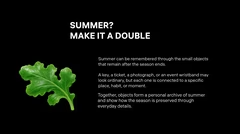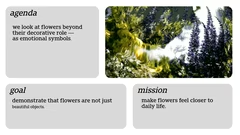


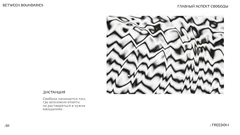
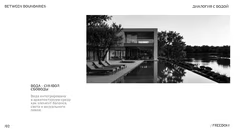

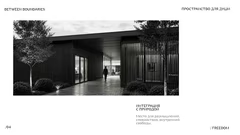
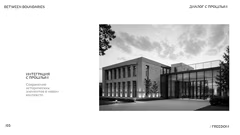

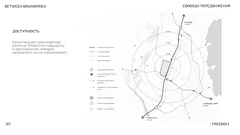
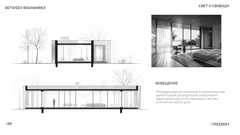


minimalistic black and white design example
concept between boundaries text
blank slide for content addition
concept between boundaries text
blank slide for images
blank slide for charts
blank slide for text blocks
concept between boundaries text
blank slide for icons
blank slide for lists
blank slide for additional information

Black and White Presentation Template

12 slides

A black and white template for presentations that combines simplicity and elegance, suitable for business and education.

View template

About the template

The template is designed for creating presentations that clearly convey information. It includes blank slides and slides with the «Between Boundaries» concept, which can symbolize overcoming limits or exploring new horizons. The template is suitable for business meetings to present strategic plans and financial reports, as well as for educational purposes to create lecture materials and student presentations.

Key Features of the Template

The black and white design helps keep the focus on the content, avoiding visual clutter. Minimalism ensures that the audience pays attention to key points. The «Between Boundaries» concept can be used to visually emphasize the transition to a new stage or the exploration of new opportunities.

Using the Template in Business

The template is useful for presenting strategic plans, financial reports, and market analysis at business meetings. Clear design simplifies the perception of complex data. Charts and graphs on blank slides will help illustrate key metrics. Slides with the «Between Boundaries» concept are suitable for introducing new business goals or innovative ideas, highlighting changes in strategy.

Applying the Template in Education

Educators can use the template to create lecture materials, present research findings, and display historical timelines or scientific data. The minimalist style does not distract from the academic content. Students can use the template for project presentations to create a professional look that will impress their audience.

Tips for Using the Template

To enhance the visual impact, use high-contrast images and clear text. Stick to one main idea per slide. Use «Between Boundaries» slides as section headers or thematic dividers. Combine text with icons and diagrams to improve understanding. Maintain consistency in font styles and sizes for a professional look.

Other ideas for your presentations
FAQ

  • Why shouldn’t you just read the slide text?

    The audience quickly loses interest and engagement drops. Slides should complement the speech, not duplicate it.

  • What is a presentation template?

    A template is a pre-designed slide structure with layout, colors, and styling that you can customize for your needs.

  • Can I import a template into my presentation?

    Yes, most tools allow you to upload a ready-made template, apply it to existing slides, or use it as a base for a new presentation.

  • What is the 5/5/5 rule for presentations?

    The 5/5/5 rule is a popular recommendation for text formatting on slides. It states: use no more than five lines of text per slide, no more than five words per line, and avoid more than five text-heavy slides in a row. This helps maintain conciseness and hold the audience's attention.

  • Where can I make a beautiful presentation for free?

    You can quickly create a beautiful and professional presentation in the Fokus online builder. Our service offers free access to designer templates, automatic color and font selection, allowing you to create impressive slides in minutes, even if you have no design experience.