Questions and answers
Can’t find the answer? Ask us directly at support@fokus.am.
What is Fokus?
Fokus is a smart presentation builder that creates polished, professional slides without manual formatting.
How does Fokus work?
It builds slides for you — picking layouts, colors, and images — and instantly offers ready-to-use options right in your browser. The result is presentation-ready: easy to show, share, or publish online.
Why use a presentation builder?
Fokus covers all presentation needs: pitches, proposals, reports, case studies, lectures, and team updates. Everything is built in one editor, ready for presenting, sending, or turning into a web page.
Why choose Fokus over other tools?
It saves hours: in minutes, you have a deck that looks professionally designed. It works on any device, publishes as a landing page with a contact form, or exports to PDF or PPTX. Collaboration and view tracking keep teams fast and focused.
Do I need design skills?
No. Fokus is intuitive and works like tools you already know — titles, text blocks, lists, images. Layouts and typography are built in, so the focus stays on your content.
Can I work with my team?
Yes. The paid plan unlocks team collaboration plus premium fonts, exclusive templates, unlimited downloads, and more.
How do I create presentations with AI?
Type in your topic, hit “Create with AI”, and Fokus generates a full structure with visuals. No need to design slide by slide — it’s faster, smarter, and always presentation-ready.
How do I turn a presentation into a website?
Simply choose the scroll animation mode. After that, your presentation opens via a link as a full web page, keeping the design and slide structure intact.
How do I download my presentation?
Click Share at the top right of the screen and save your deck as a PDF or PPTX in one click.
How can I get my presentation featured?
Presentations created in Fokus are showcased on our website, in videos, and in newsletters. It’s a great way to draw attention to your product, service, or personal brand. To participate, simply send your work to info@fokus.am.
How much does Fokus cost?
The paid plan gives access to premium fonts, exclusive templates, unlimited downloads, and advanced features.
How to get a 50% discount?
Just post anything: a photo, video, or text mentioning Fokus on social media. For more details, refer to the “Get a discount” presentation.
Ask a question — support@fokus.am
A Wide Range of Styles and Themes
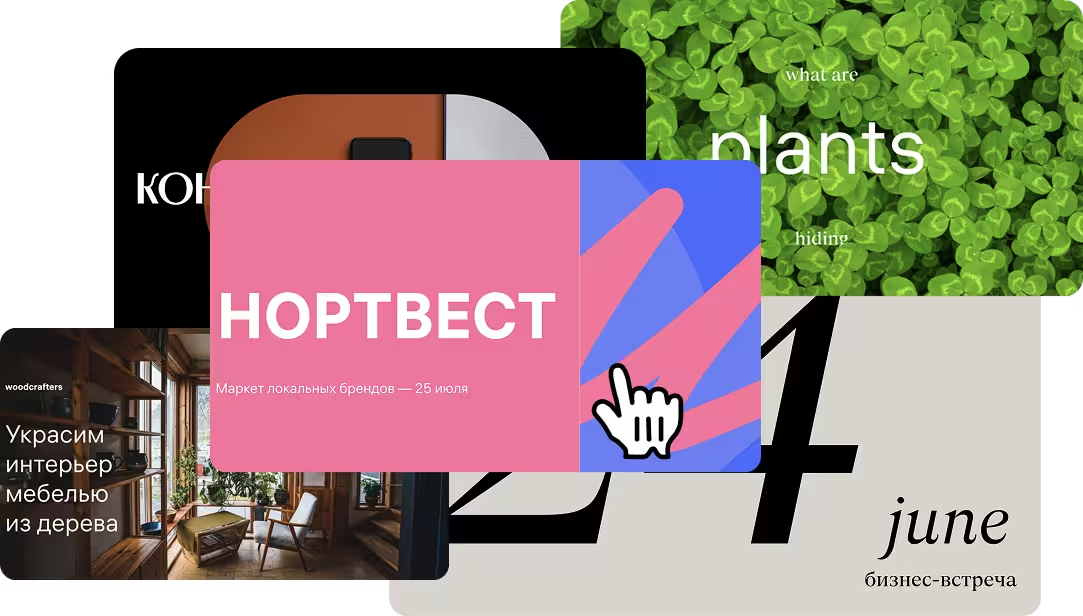
Explore presentation templates and examples for corporate decks, creative projects, and educational materials. Each theme includes multiple color variations. Backgrounds cover every popular tone and visual mood — from minimalist to expressive.
Flexible Design Customization
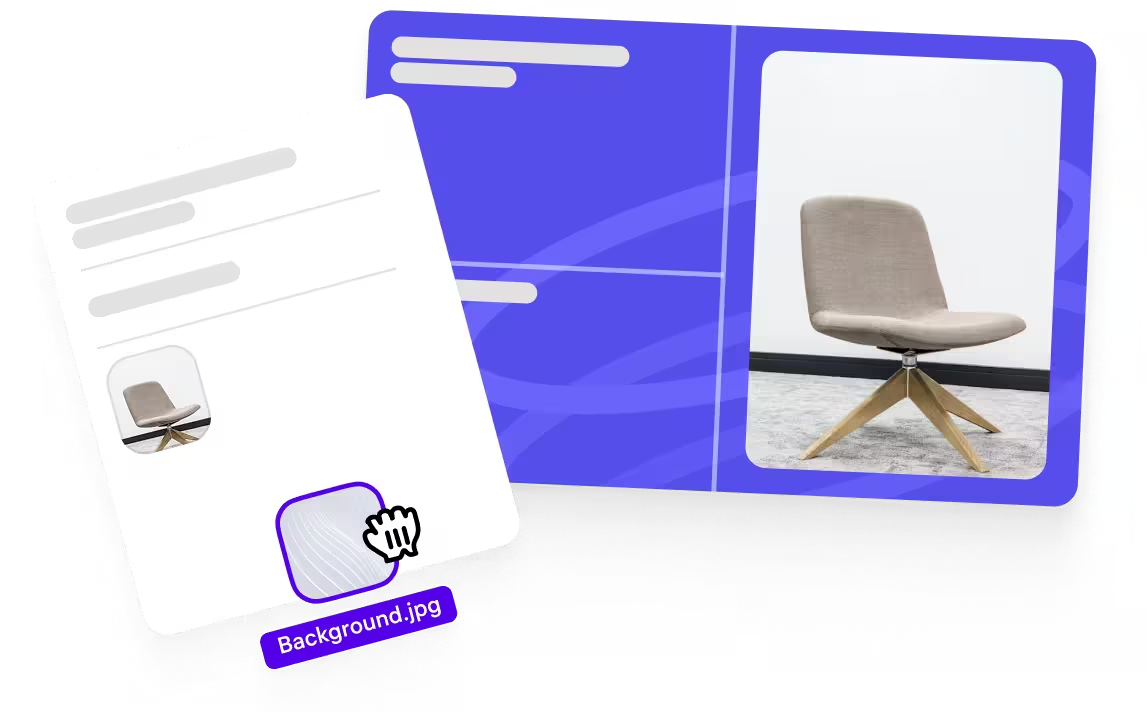
All colors, fonts, and elements can be easily adjusted or changed. Themes maintain visual harmony even when you change the palette. Presentation backgrounds can be recolored without losing image quality.
Ready-Made Layouts for Every Slide
Each presentation template includes layouts for title slides, text sections, and charts. Themes also provide ready designs for quotes and closing slides. Backgrounds automatically adapt to the type of content on each slide.
How it works
1 Sign up on the perfect presentations builder Fokus
2 Choose a template you like
3 Edit the presentation