Where to start
The work begins with two answers: what the viewer does at the end and who he is. The goal (to sign up, choose a service, complete a lesson, leave a review) determines the exit, and the audience determines the entrance: a short introduction is enough for a familiar client, a beginner needs a slide that explains the structure of the path. The material is then grouped into blocks, and for each block there is one slide or a short series. Collecting the material and working with the goal are discussed in the article on preparing for the presentation.
The three questions before the first slide reduce rework, because the path is more expensive to change than the design.:
- What the viewer will do on the last slide: leave a request, open a document, go to the website.
- What does he know at the entrance: if nothing, the first slide answers the question "what is it about and why".
- How many paths are needed: one consecutive or several, from which the viewer chooses.
Principle: transition map, entrance and exit
Interactivity works when the viewer doesn't have a chance to get lost. To do this, the path is thought out in advance, and does not arise from a set of links.
Transition map
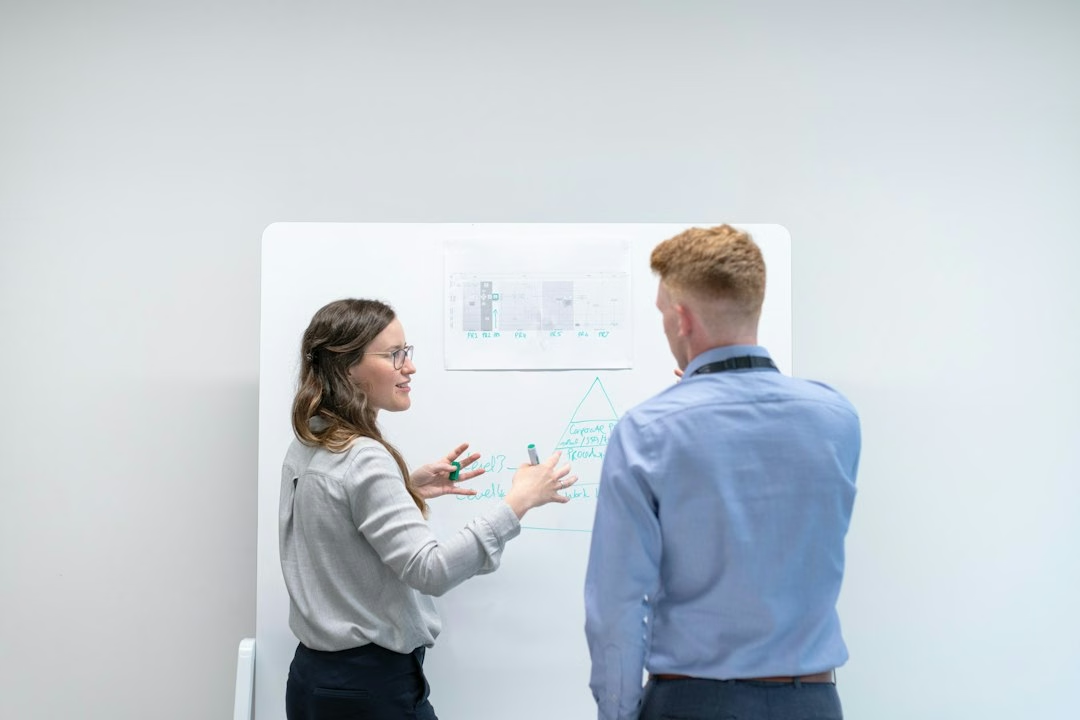
A diagram where the slides are arranged in nodes, and the slide order and links serve as arrows. It is drawn on paper before the slides are created: this way you can see dead ends (slide without the next step) and loops (return to the beginning for no reason).
One entrance and clear exit
The input explains how the path works and how it is useful. The output leads to the final action: the application, the document, the next lesson. If there are several exits, the viewer chooses at random or chooses none.
Action on the slide
On each slide, the viewer does one thing: reads, watches a video, clicks on a link, or fills out a form. When there are two actions, the easiest one is selected (scroll through), and the second one is lost.
Checking the map boils down to three questions that are answered by the diagram: is there a slide without the next step, is there a slide with two main actions, and do all the paths lead to the same result. If the answer is "yes" where it shouldn't be, the map is corrected, not the design.
Four types of interactive presentations
The type of presentation defines the transition map: a linear path or with branches, and what the viewer does on the slide.:
| Type | What the viewer does on the slide | How the path works |
|---|---|---|
| Self-help guide | Reads a step and repeats the action at home | Linear path with a return to the previous step |
| Test | Answers a question | One question per slide, summary at the end |
| Catalog | Selects a position and goes to the details | An input slide with a list and a separate slide for each position |
| Course | Passes the lesson and moves on to the next | Modules in order, increasing in complexity from lesson to lesson |
Each type has its own blocks: the tutorial and the course rely on videos and embedded documents, the catalog on links and the application form, the test on the answer form. The type is chosen based on what the viewer has to do at the end, and not on which type seems more effective. The choice of the presentation format for the purpose is discussed in the article about types of presentations.
Combination of types
The types are mixed: the course ends with a test, and the catalog begins with a short tutorial on how to use it. Mixing works as long as each part has its own input and output: the test within the course gets its own introductory slide, and the course summary collects the results in one place.
What interactive blocks does the constructor have?
In Fokus, interactivity is built from blocks that are added to the slide and from publishing methods. Each block solves one viewer's task.
Links
The link leads the viewer to the material outside the presentation: to an article, document, or service page. Link clicks are included in the presentation statistics, so you can see how many viewers have reached the external material.
Form
The form collects applications, contacts, and feedback right on the slide: the viewer responds where they read the question. The form's conversions are visible in the statistics for the selected period.
Built-in service
An external service, such as a map or document, is embedded on the slide. The viewer looks at the driving directions or reads the conditions without leaving the presentation.
Video by link
The video is added to the slide with a link. The video shows the process in motion, and the slide tells you what to look at in it.
Scroll and website
In the scroll mode, the slides form a continuous page with smooth scrolling, and with one click the presentation turns into a website where an application form is added. For the viewer, this is the usual reading of the page, for the author the same set of slides.
All blocks work inside a single presentation, which opens via a link and adjusts to the viewer's device. The link is sent, posted on social media, and embedded on the site, so the viewer's path begins where they saw it: in an email, in a publication, or on a website page. The transition map remains the same, no matter which channel leads the viewer to the first slide.
Navigation through the slide structure
The slide order itself serves as navigation. The structure sets the path: the slides go one after the other, and the viewer understands where he is by the title of the slide. Therefore, the title formulates the content ("Shooting portraits in the studio"), and not the heading ("Services"): the headings read the entire transition map.
In scroll mode, the slide order becomes the continuous page order, and the structure remains the only navigation: the viewer scrolls the path from top to bottom. This follows the assembly rule: the order of the slides is checked at the stage of the structure, and not after the design, because rearranging slides is cheaper than reworking the finished ones. Slides are rearranged, duplicated, and deleted in the constructor, so that the order remains free until the very end.
Step-by-step scenario: service catalog
A small photo studio makes a catalog of services, which ends with an application for shooting. The catalog refers to the types from the table and goes all the way from the target to the verification:
- ** Goal and path.** Exit: request for filming. Entrance: slide explaining what's inside. There is one slide between them for each service, so the transition map fits in one line.
- The basis and structure. In Fokus, the catalog is created from the finished text or the studio's website page. The slide plan is edited before generation: services are rearranged, superfluous ones are removed, missing ones are added.
- Blocks. A video with an example of the work is added to the slide of the service (via the link), an embedded map is added to the slide "How to find a studio", and an embedded document is added to the slide "Conditions". Each block answers the question that the client asks on this particular slide: what it looks like, where it is, and under what conditions.
- Exit. The last slide contains the application form and nothing else: one action per slide.
- Publication. The presentation is sent via a link or converted into a website, and statistics for the period show views, sessions, traffic sources, link clicks, and form conversions. If the presentation is opened and the conversion rate of the form is low, the last slide with the form is edited, not the entire catalog.
What does the catalog map look like
Entrance: a title slide with one phrase about the studio. Then the services go in the order that the author chooses: from the most in demand to the rarest. The penultimate slide with the map answers the question "where", the last slide with the form answers the question "how to register". There are no dead ends: each slide leads to the next, but there is only one exit.
Mistakes of interactive presentations
Most often, interactivity breaks down in four places, and none of them is related to the design.
Too many actions
A slide with a link, a form, a video and an embedded document at the same time does not leave the viewer with the main thing. When there are several actions, they are spread across neighboring slides, and one remains on each slide.
Path without exit
A presentation that ends with the last fact does not lead to the action it was created for. The last slide contains the final action: a form, link, or document.
There is no verification
The author knows the path by heart and does not notice dead ends. Clicking on the finished link through the eyes of a person who sees the presentation for the first time shows slides without the next step and a form that they do not reach.
Multimedia instead of thought
A long video or a lengthy document displaces the main message. The video reinforces the slide and is accompanied by a caption, which it is about, and does not replace the text of the slide.